JASP Module Development Guide
From first steps to publishing your module
Welcome & Overview
This guide covers everything you need to know to develop a JASP module — from setting up your environment to publishing in the JASP Module Library.
What is a JASP module?
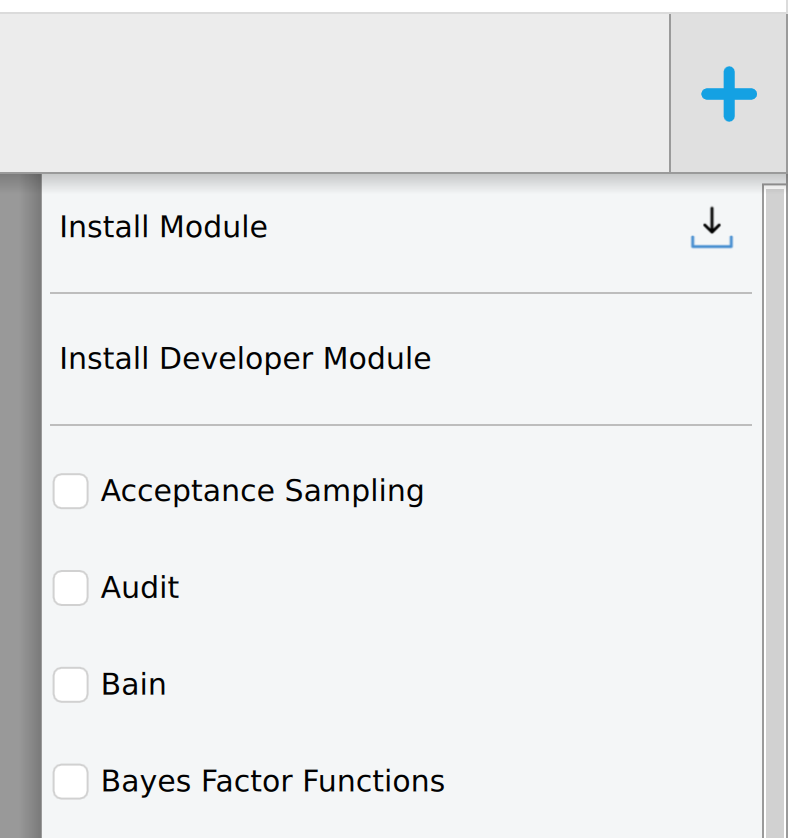
A JASP module is an extension that adds new statistical analyses to JASP. Modules appear in the ribbon bar at the top of JASP and can be installed via the + icon.
Internally, a JASP module is an R package with additional QML files for the graphical interface:
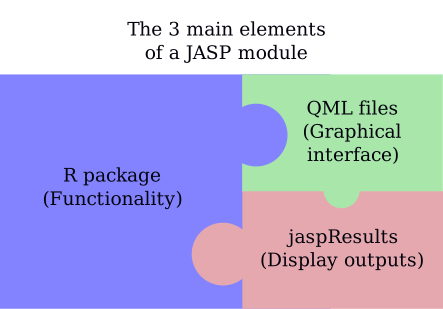
- R code — your statistical computations, using any CRAN/Bioconductor packages
- QML interface — the options panel users interact with
- jaspResults — the bridge that renders tables, plots, and text in JASP’s output
How this guide is organised
The guide follows the natural lifecycle of building a JASP module, from first setup to publication.
Building Your Module walks you through the core development process. You’ll learn how a module is structured, how to design the user-facing options panel in QML, how to write the R analysis backend using the jaspResults API, how QML and R are connected, and how to use jaspTools during development.
Improving Your Module covers everything that makes your module robust and maintainable. This includes coding standards, writing helpful error messages, testing your analyses, debugging when things go wrong, translating your module for international users, and handling backward compatibility when upgrading your QML interface.
Finalizing Your Module guides you through the steps to share your work with the world. You’ll learn about versioning, publishing to the JASP Module Library, the Git workflow for contributing to JASP, licensing, building JASP from source (for core developers), and using AI tools to assist your development.
Quick start
The fastest path to a working module:
- Fork jaspModuleTemplate
- Clone it locally
- Install JASP nightly
- Install your module as a development module in JASP (see Setting Up Your Environment)
- Edit R and QML files, recompile, refresh — iterate
The rest of this guide explains each step in detail.
If you are developing a JASP module, you can request an invitation to the JASP Mattermost channel — a team chat where you can get direct help from JASP developers. Contact the JASP team at info@jasp-stats.org to request access.